
Levelset App
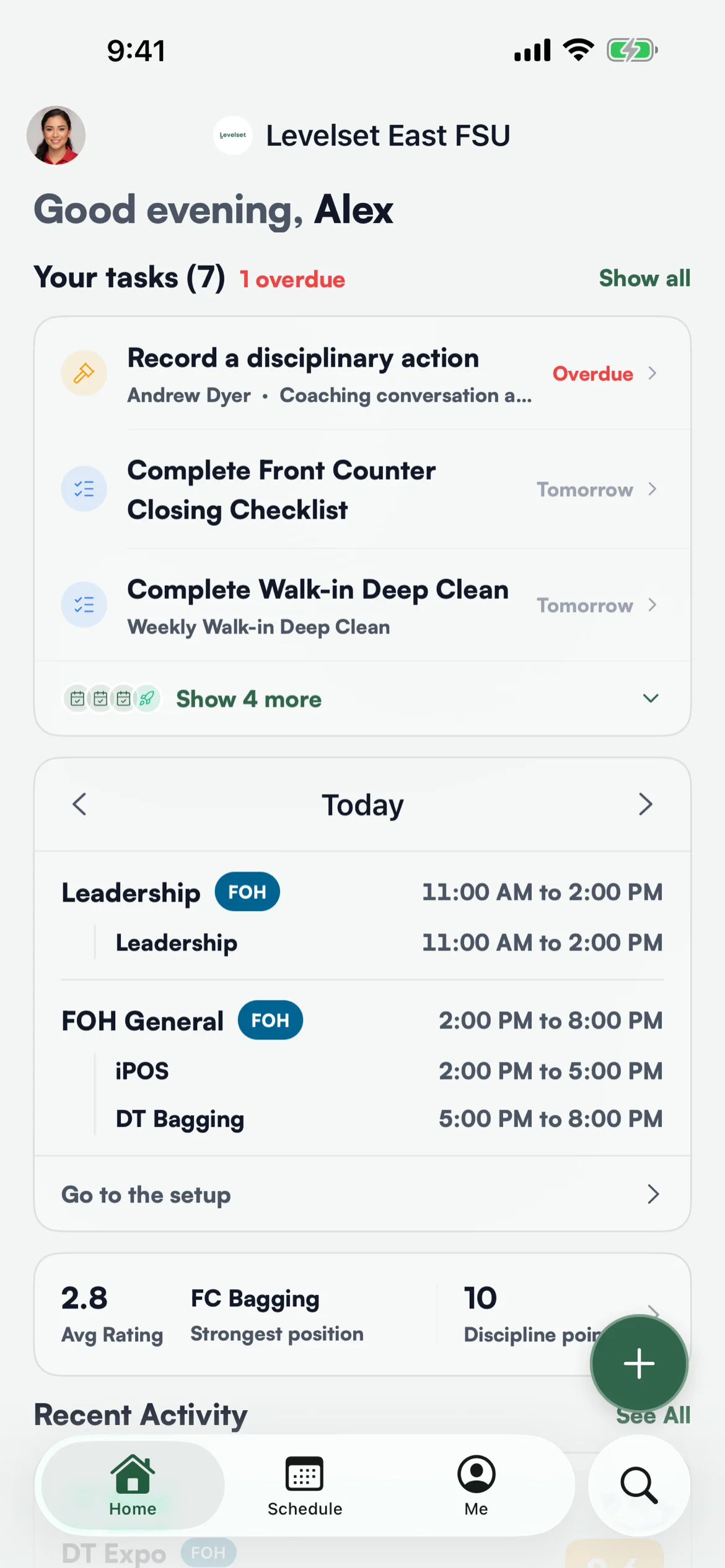
Coming SoonYour schedule, today's position, your tasks and your own ratings, in your pocket. Leaders rate, record and fill the setup from the same phone.
Team members learn about their shift, their position and what is expected of them from a printed schedule, a group text and whatever a leader remembers to say. Leaders carry the other half in their heads until they get back to a computer.
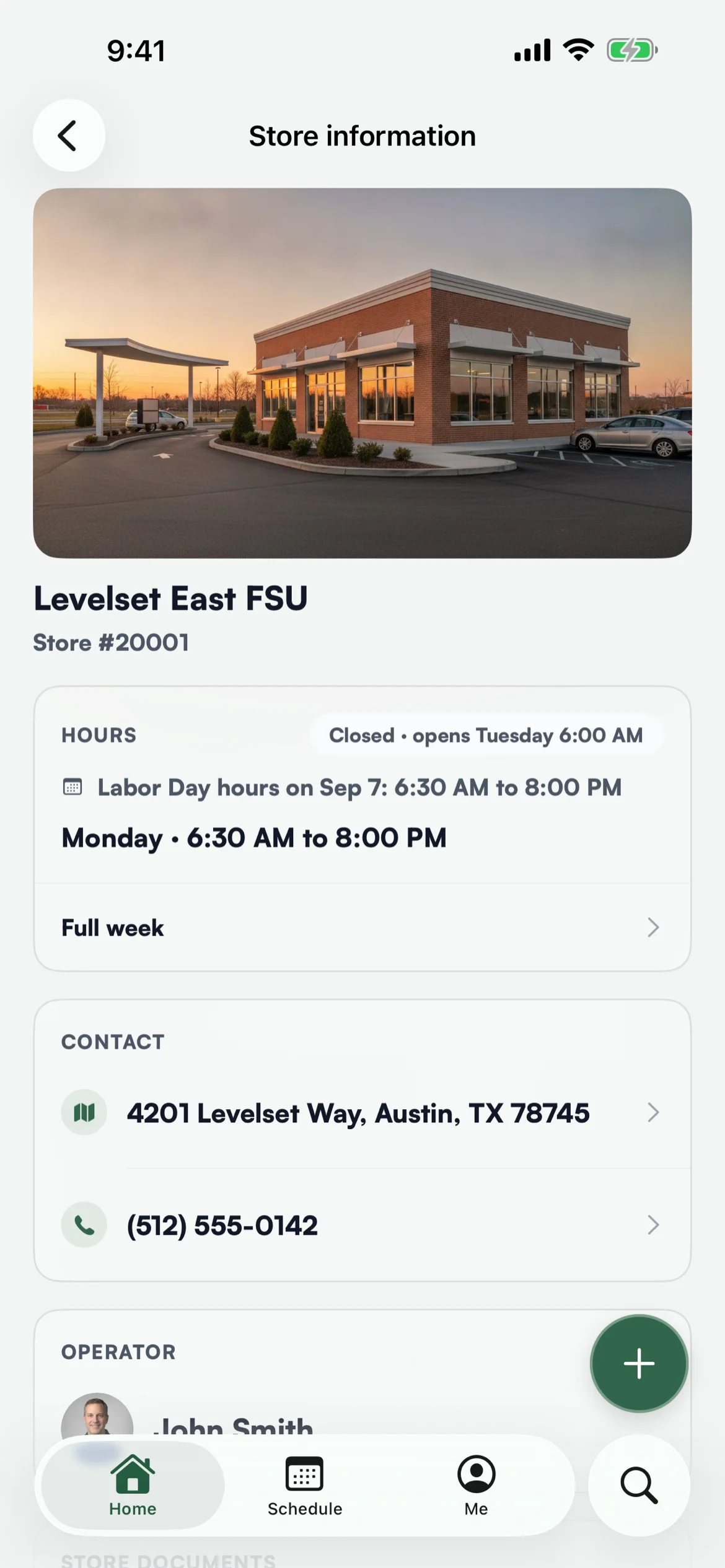
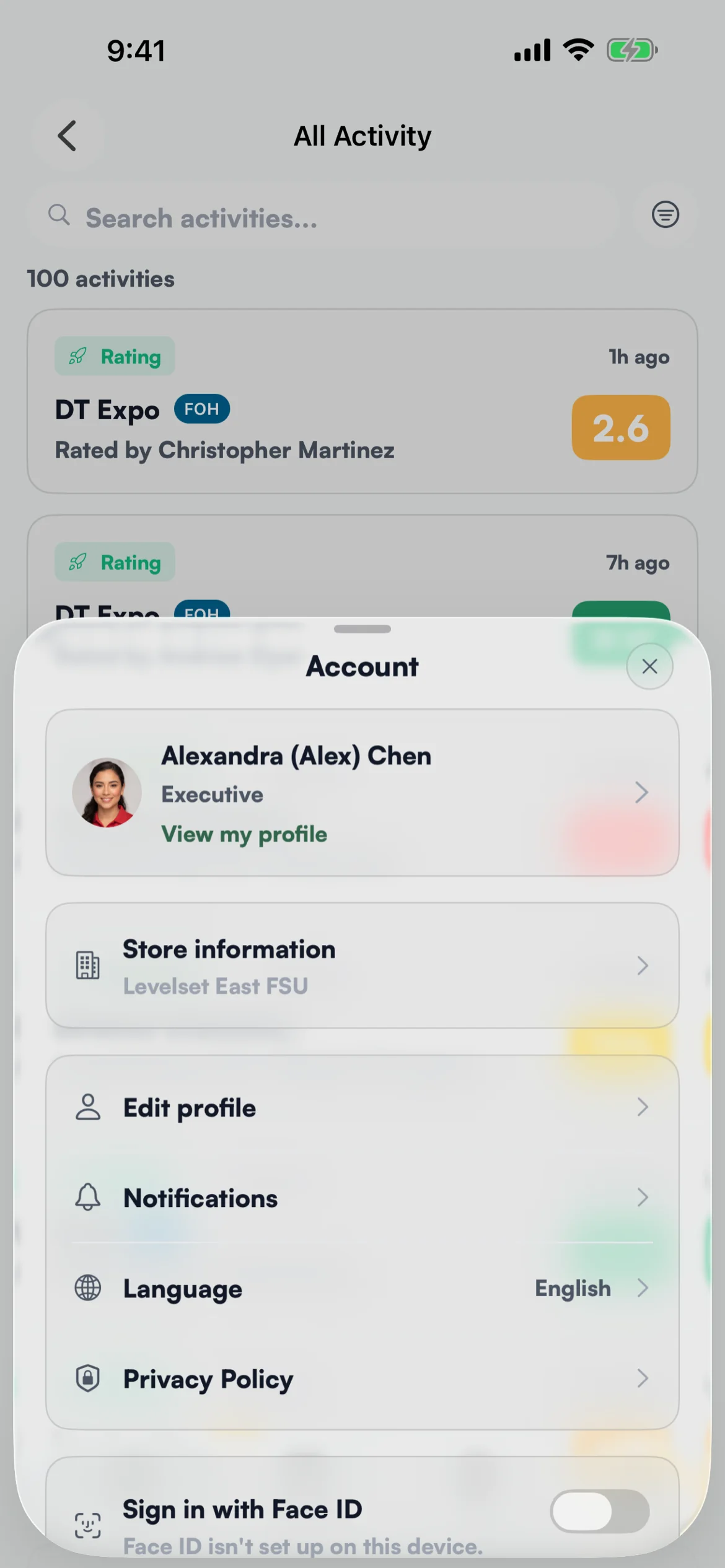
The Levelset app puts your store in everyone's pocket. A team member opens it to see their week, today's position, the checklist due tonight and how they are doing by position. A leader rates a team member, records an infraction, completes an evaluation or fills the setup mid-shift, and it lands on the same dashboard the operator sees.
How it works
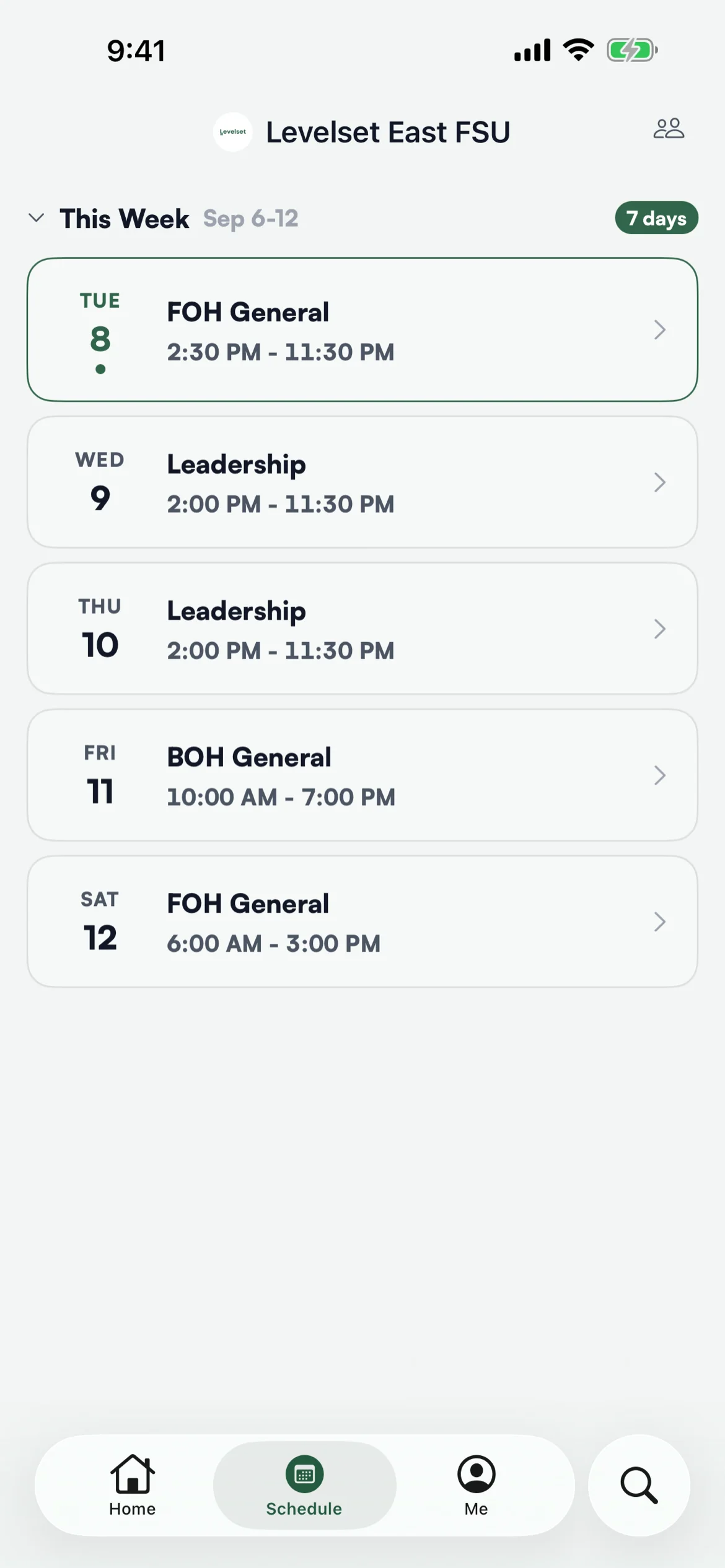
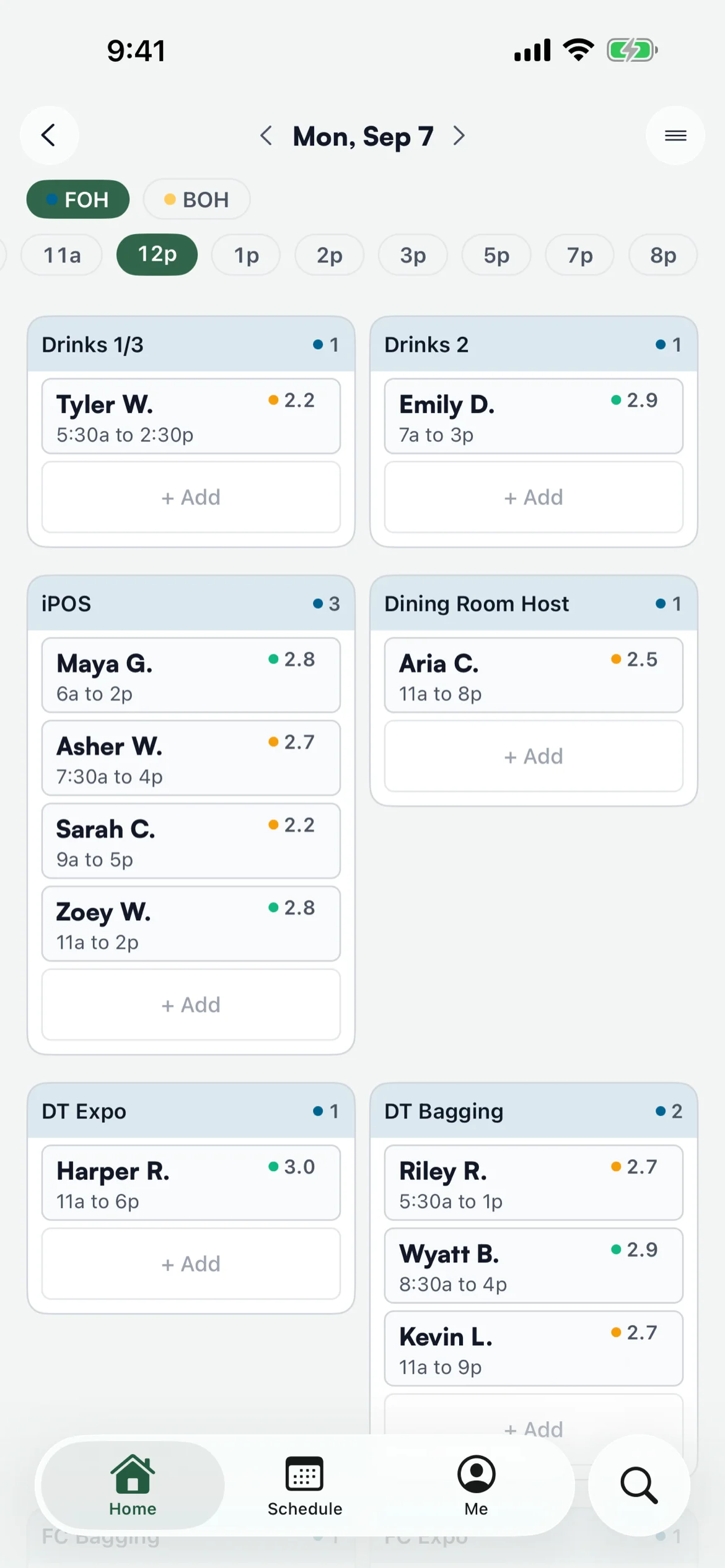
Your Week and Today's Position
This week and next, each shift with its times, and today's setup placement by position. Team members stop asking and leaders stop relaying.
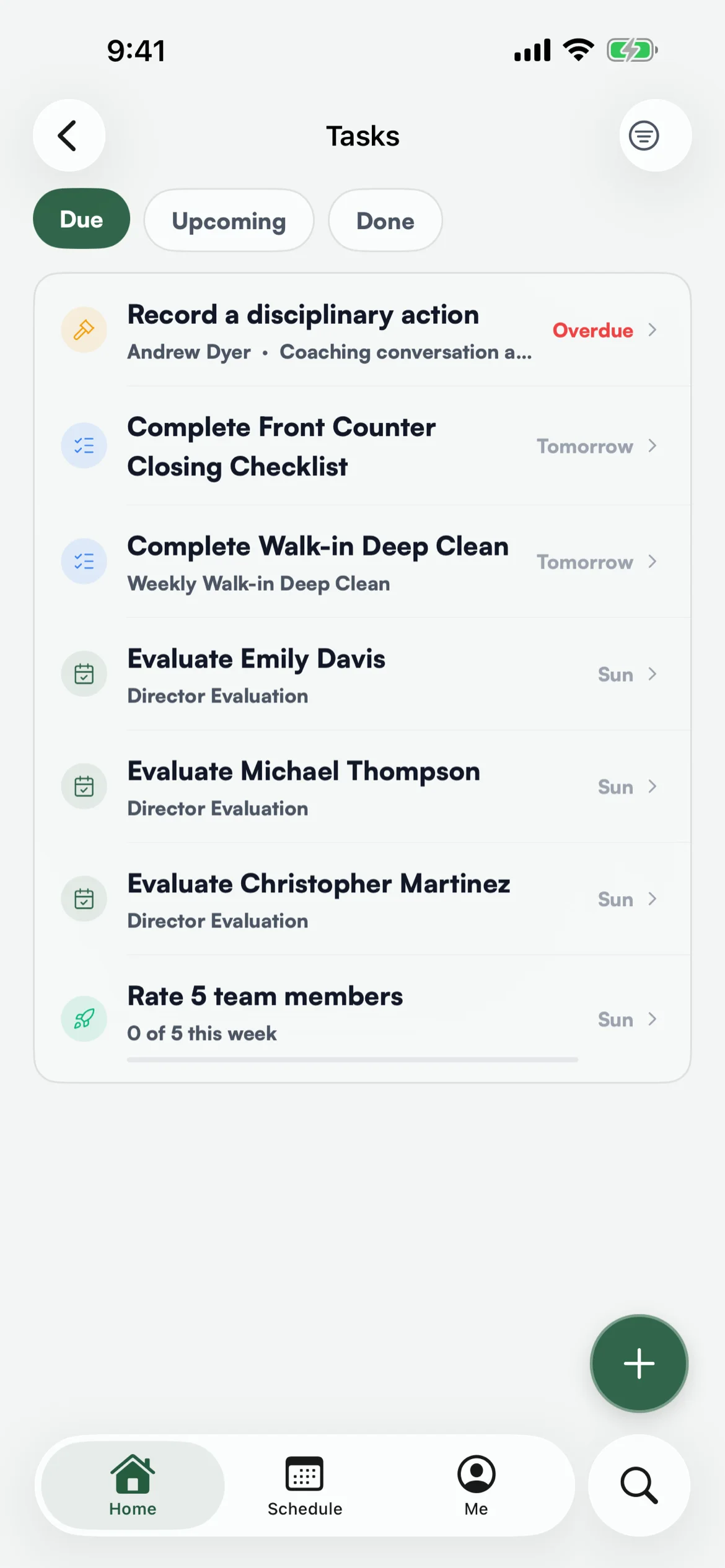
Tasks and Checklists
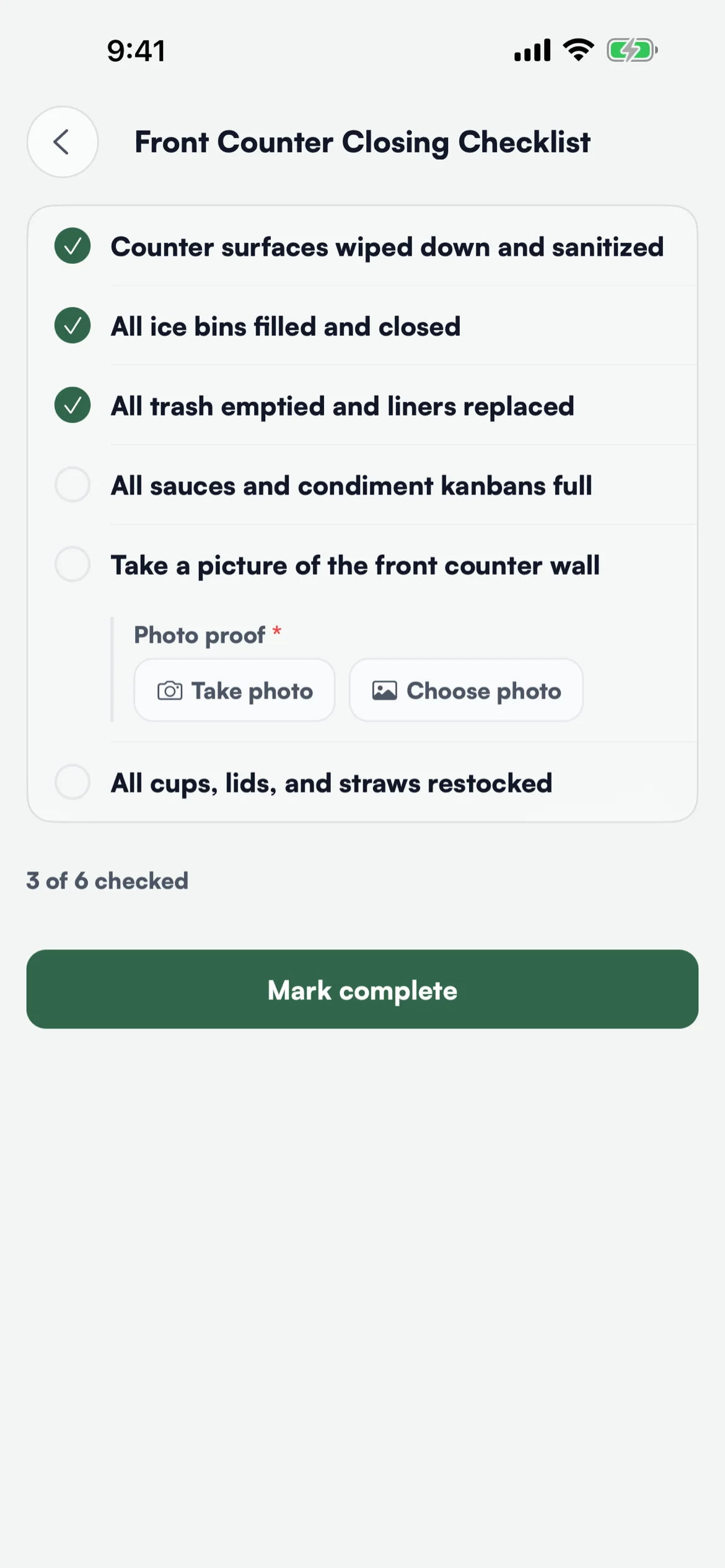
Checklists, evaluations you owe and your weekly rating goal, soonest due first. A checklist item can require a photo or a reading, so done means done.
Rate in the Moment
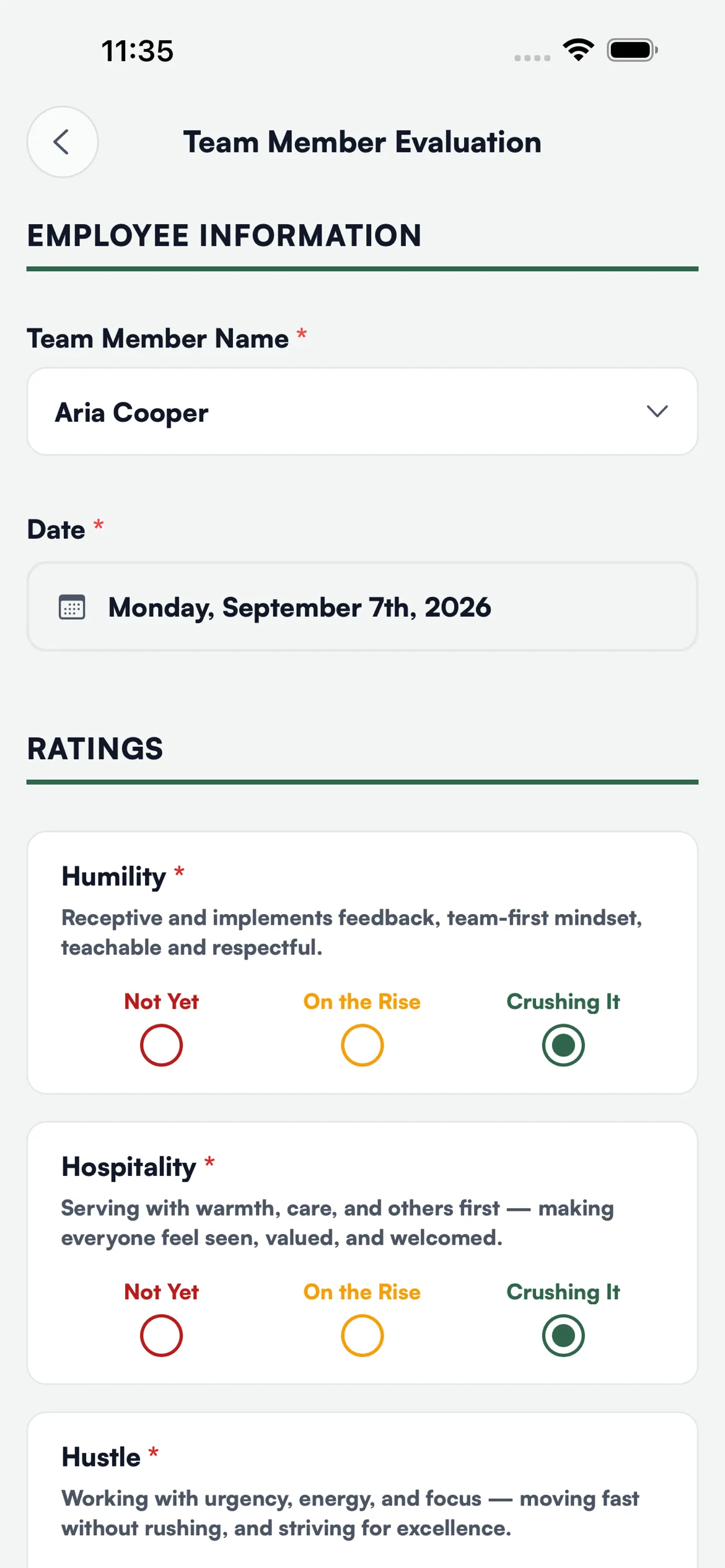
See a team member crush it on iPOS? Rate them right there, against your own criteria, and it feeds the same readiness view as every other rating.
The Record, With a Summary
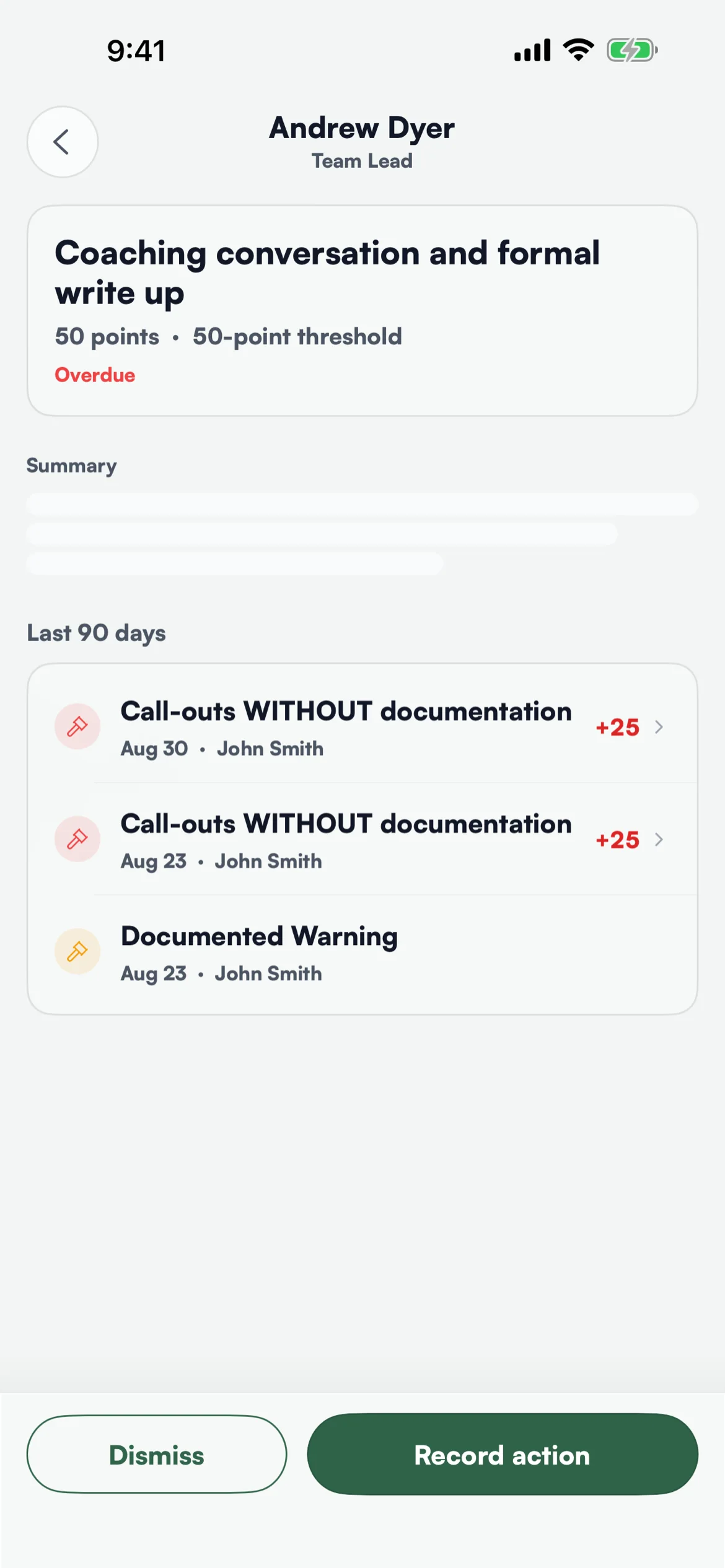
Record an infraction with photos and signatures. When your rubric calls for an action, the app shows the team member's record with a two-sentence summary written from it, before you record or dismiss.
English and Spanish
Every screen in both, chosen by the person. Rating levels and notifications are translated too.
Face ID, and Updates Without a Wait
Sign in with Face ID after the first password. New versions arrive on their own, with no device management and no waiting on an app store release.
See it in action
Want Levelset App when it lands?
The Levelset app is coming soon. Book a demo to see Levelset today, and we'll let you know the day the app is available.
See Levelset in action. No commitment.