
Forms
Forms that already know your team, and tie back to the record.
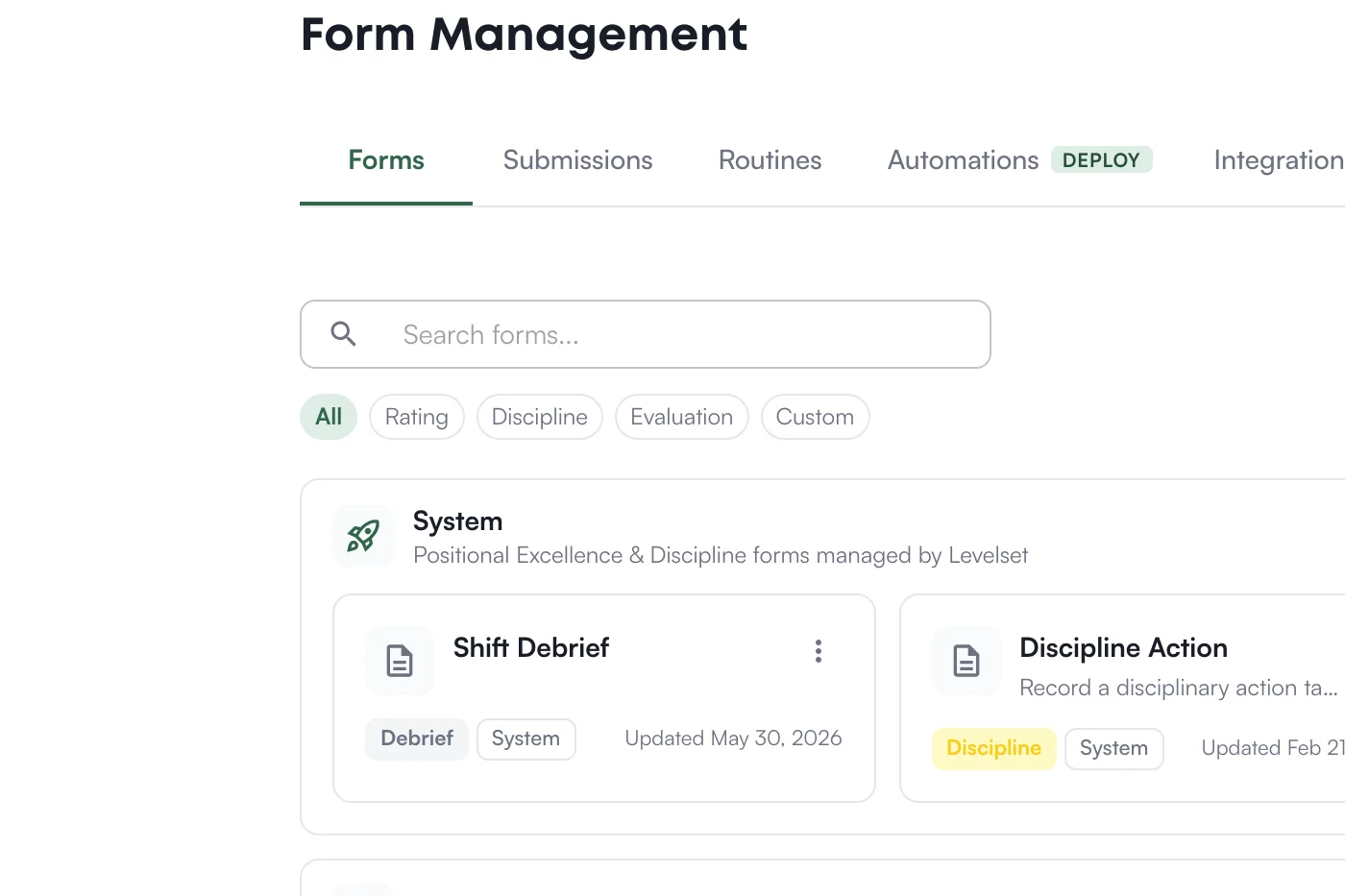
The dynamic part is where every other tool breaks. A Google Form can't show a live list of your current team members without someone wiring up a script, and you can't put your store's team member data in a script anyway. So you settle for a free-text "name" field, a dropdown that's stale the day you make it, and answers that sit in a spreadsheet connected to nothing.
Levelset forms live inside your store's data. Drop in a team-member field and it is a live, role-filtered list of your actual roster. Every submission links to the real person it is about, so what you collect lands on their record instead of a disconnected sheet. Your team fills them out on their phone, wherever they are.
How it works
Live Roster, Not a Text Box
Add a team-member or position field and it fills from your current roster, filtered to the right roles. No stale dropdown to maintain, no misspelled names, no script to keep alive.
Tied to the Right Person
Every submission is attached to the real team member it is about, so the result shows up on their record and timeline, not in a spreadsheet nobody opens again.
Reads What You Already Track
A form can pull live facts from the record, like whether someone is certified or has a clean discipline record, so checks and reviews compute themselves instead of asking a leader to go look it up.
Built for the Shift
Your team completes forms on their phone mid-shift. Every response is timestamped, attributed, and visible to leadership the moment it is submitted.
See it in action
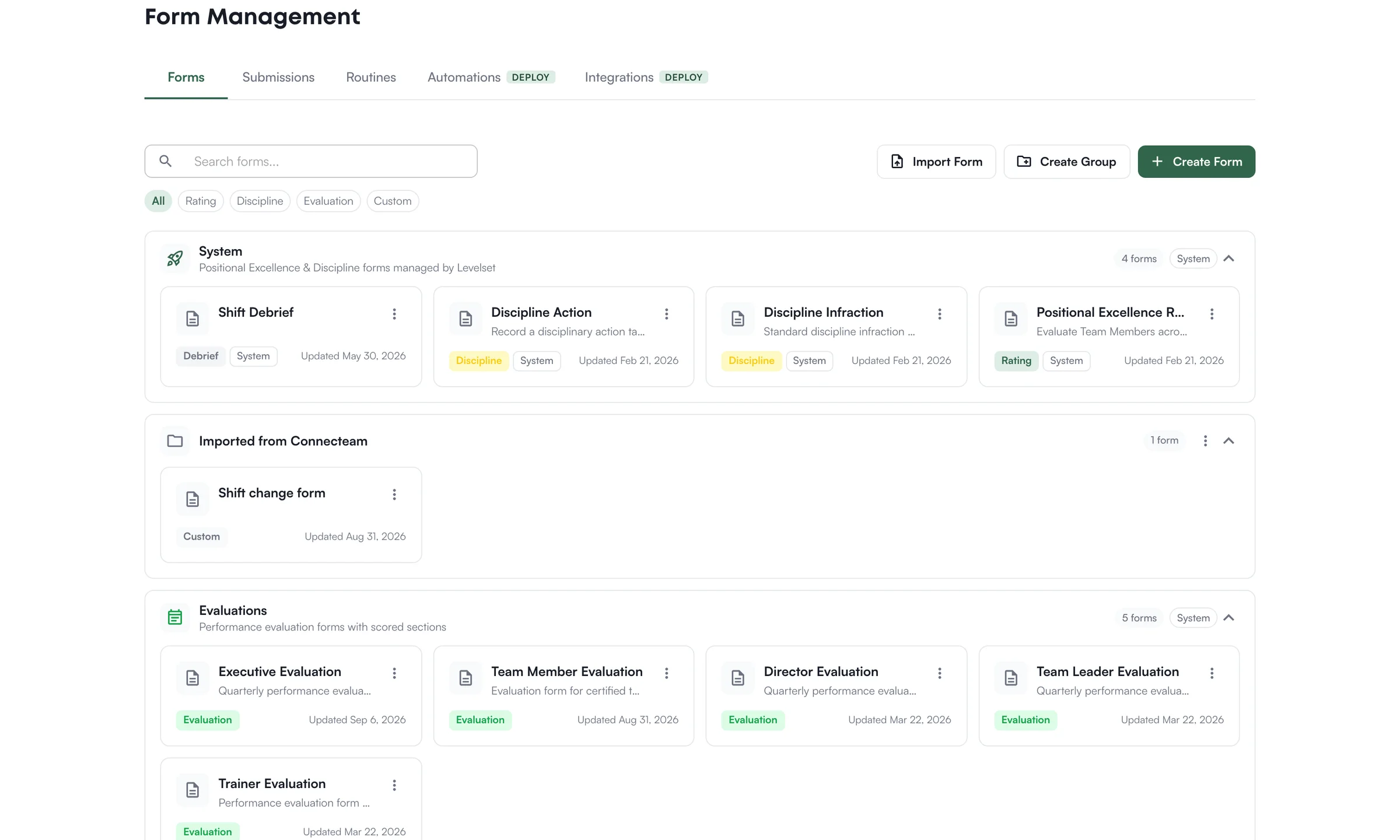
Ready to try Forms?
Book a demo and see this workflow running on an operation like yours.
See Levelset in action. No commitment.